You built it with AI. Now see what it built—and change it without losing ground.
Whether you have an app you cannot explain or AI keeps rebuilding bugs you already fixed, a Project Map shows the technical reality you need to regain control.

Blindspotter / Sample Project Map
Architecture, history, next move.
The app works—until the next AI fix breaks it again.
AI tools make thousands of technical decisions while you focus on building the thing your customers will use. That is useful—until you need to trust, fix, explain, or change what was made without reopening an old problem.
You can't name the stack.
What database, files, authentication, hosting, or integrations are actually in play?
You can't judge the risk.
Where could user data, payments, permissions, or scale need attention first?
You can't safely change it.
Without a version trail, an AI rewrite can undo a working fix—and there may be no clean version to restore.
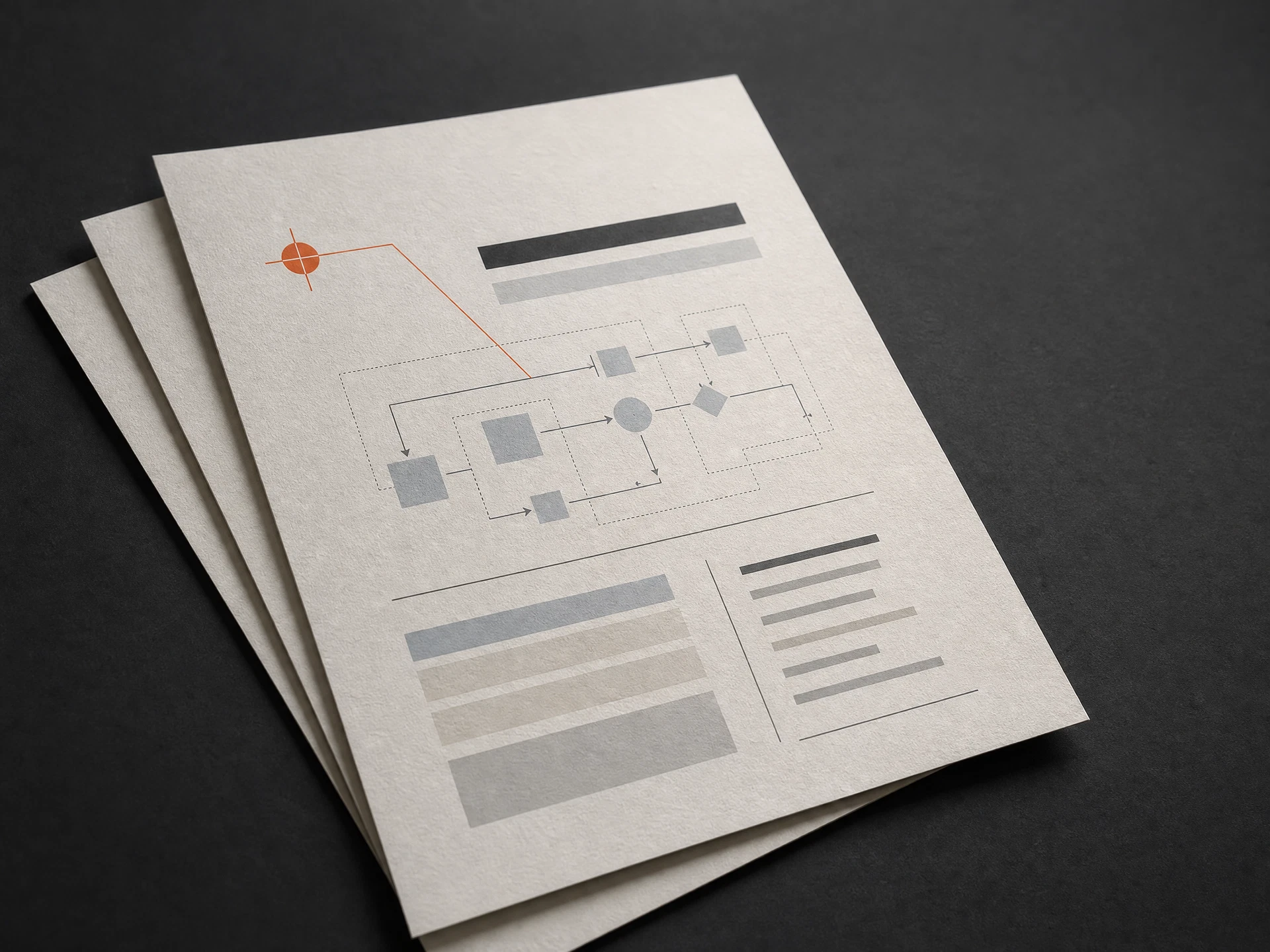
Sample diagnostic outputs
Architecture structure. Version state. The first safer next move.
Turn AI output into a route you can actually follow.
Your Map is a concise, evidence-led technical handoff. It is written for a founder who needs clarity—not a 40-page audit no one will read.
The real tech stack
A plain-language inventory of the framework, database, hosting, integrations, and access controls already inside your app.
The version history you need to check
Whether your project is backed up, committed, and reversible—and what needs to be in place before another AI session changes the same bug.
Your three biggest risks
A ranked view of the security, scaling, and operational issues worth dealing with before they become expensive.
A GitHub and recovery path
What needs to live in version control, what can be rolled back, and how to stop fixes being overwritten by the next AI session.
A developer-ready handoff
The words, context, and next steps a human developer—or a new AI session—needs to help without starting over.

You cannot fix the loop if you cannot see the history.
The point is not to make every choice feel dangerous. It is to separate a hidden system from a project that needs a safe reset—then give you a sane place to start.
Three moves. A stable way forward.
You do not hand over your source code, your repository, or your business idea. You generate a technical handoff with one prompt—then we translate both what exists and whether you can safely move backward when AI changes go sideways.
Copy one prompt
Open the request form — the extraction prompt is right there. Paste it into the AI tool that built your app, and read what it generates before you go further.
Paste and confirm
Paste the reviewed output back in. We read your tool and payment setup straight out of it — you just confirm what we found, add the Plan if you want it, and submit.
Receive your route
Within 48 hours, get the Project Map — and the Plan, if you added it — showing what you have, what to check, and what to do first.
Request your Map →Your idea stays yours. We map the plumbing.
Blindspotter needs the technical outline—not your source code, customer data, unique angle, business plan, or product strategy. You read the handoff before you submit it, and cut anything you do not want to share.
You set the boundary
Review the generated handoff and remove proprietary details before it leaves your screen.
The Map stays focused
We analyze the plumbing, data categories, app category, and usage shape—not the proprietary blueprint of your business.
A near-finished app can be a working blueprint in the wrong hands.
AI has made it cheaper to finish an almost-built app. If you hand a stranger your codebase, chat history, and business model, you may be handing them the blueprint—not just asking for help. Blindspotter is designed differently: you see and redact the technical handoff first. We cannot take what you never send.
Stop guessing what it built. Stop losing working fixes.
Start with the technical map and the version-control truth. Then decide what deserves your attention.
Project Map / detailed diagnostic
Technical map + recovery signal for your app.
- Plain-English stack and architecture readout
- Top risks, GitHub / version-control status, and recovery priorities
- Developer-ready handoff language within 48 hours of a complete request
If a delivered Map is factually wrong about the architecture you submitted, you receive a full refund.